

How to use CookZone
Short guides for the things people do most in CookZone, each with the screens you’ll see in the app.
Add recipes
-
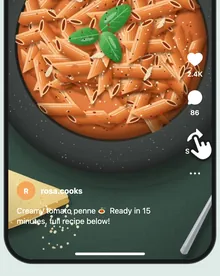 How to save recipes from Instagram Share a post or reel straight to CookZone
 -
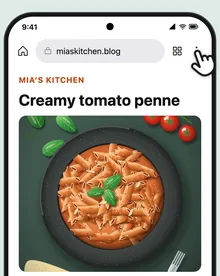 How to save recipes from websites Share a recipe page from Safari or Chrome
 -
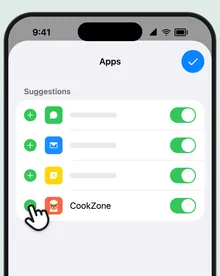 How to add CookZone to your share menu Pin it once, so it’s always one tap away
 -
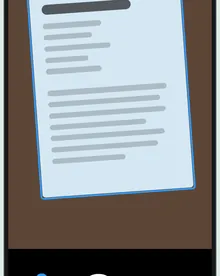 How to scan a recipe from a cookbook Turn printed recipes into digital ones
 -
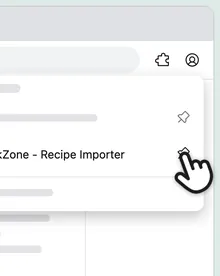 How to import recipes on your computer Instagram, TikTok, YouTube and Facebook in Chrome or Firefox
Shopping list
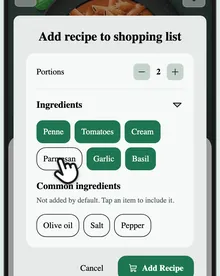
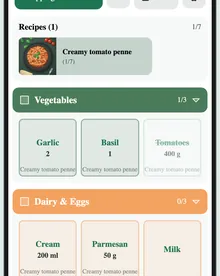
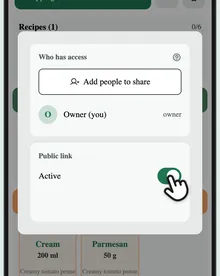
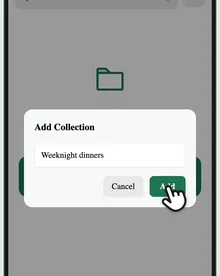
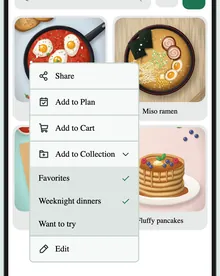
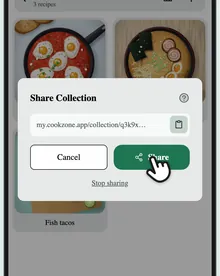
Collections
Questions
Does it work with TikTok, YouTube and Facebook?
Yes. Share the post or video to CookZone the same way as from Instagram. CookZone reads the caption or description first, then what’s said in the video. On Facebook, the video’s sound isn’t used.
Can I use CookZone on a computer?
Yes, in your browser at my.cookzone.app. Your recipes sync between your phone and your computer. To import from Instagram, TikTok, YouTube or Facebook there, add the CookZone extension for Chrome or Firefox.