
How to create a recipe collection
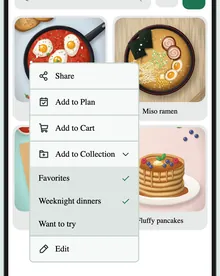
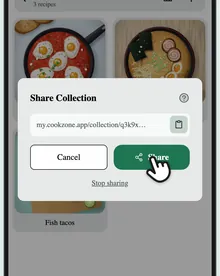
Collections group your recipes the way you cook: “Weeknight dinners”, “Christmas baking”, “Want to try”.
Updated
Step by step
-
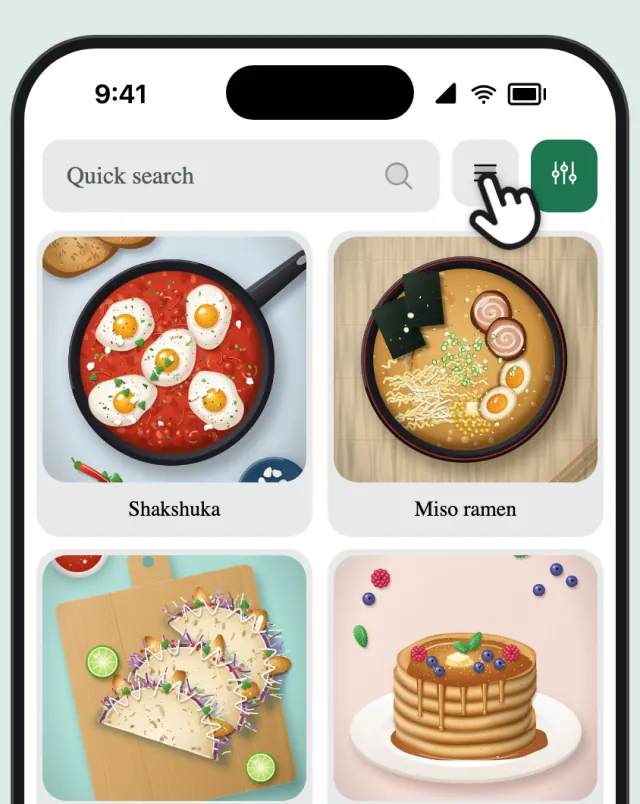
Switch to collections
On the Recipes tab, tap the view button until you see your collections.
-
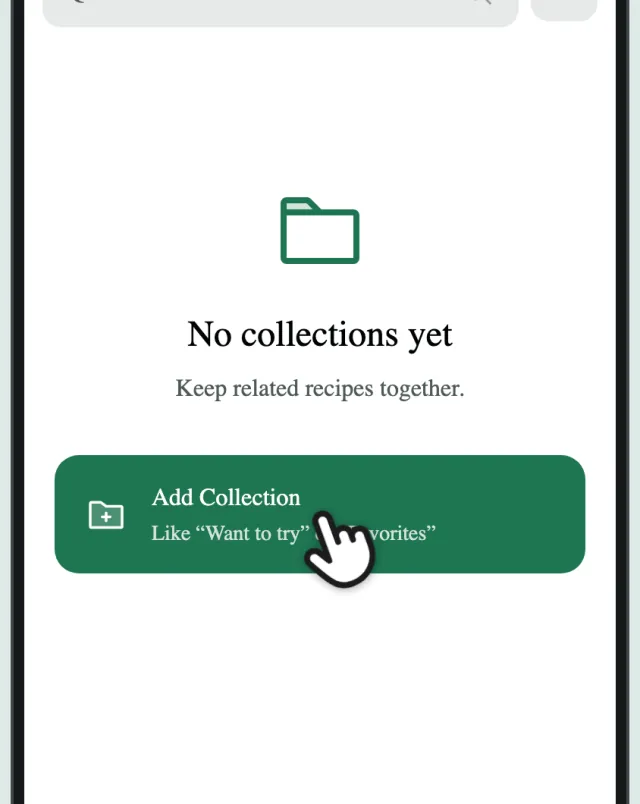
Tap “Add Collection”
Tap “Add Collection”.
-
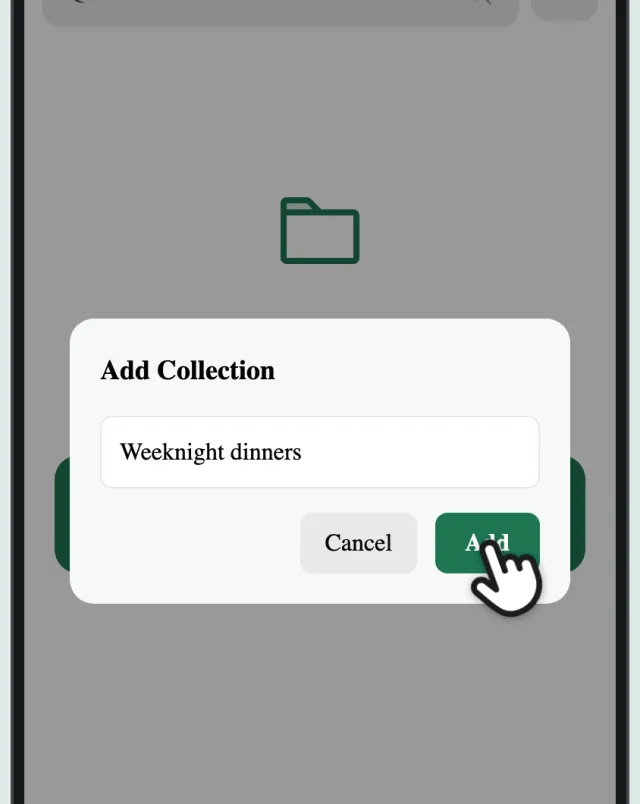
Name it
Give it a name and tap “Add”.
-
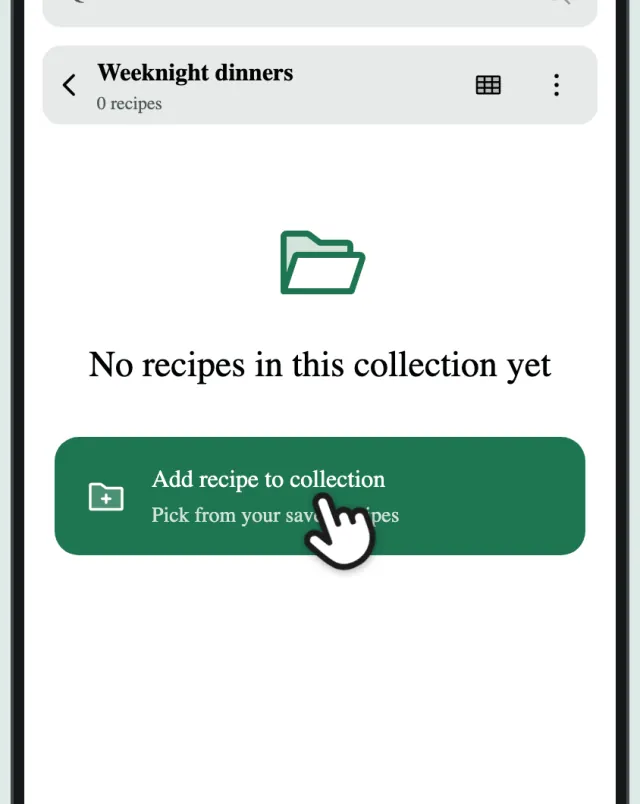
Tap “Add recipe to collection”
Your new collection opens. Tap “Add recipe to collection”.
-
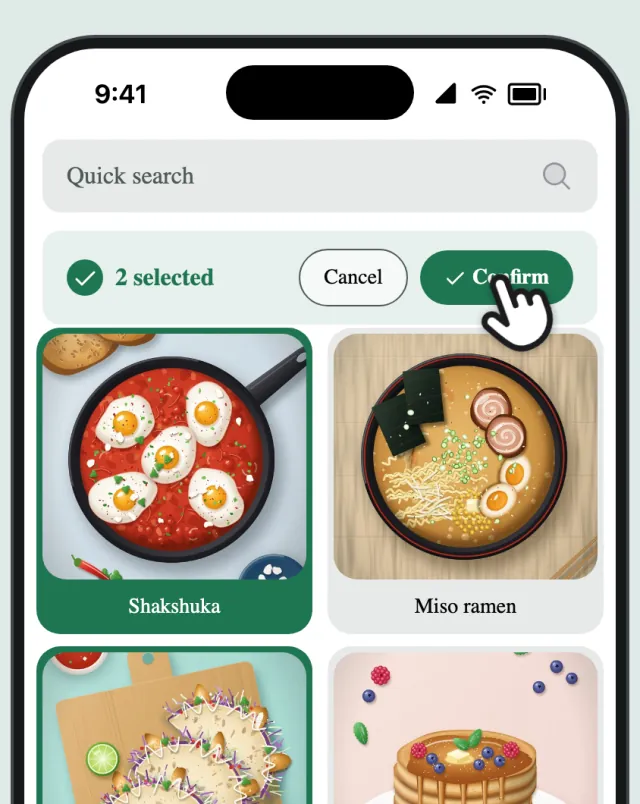
Pick recipes
Tap recipes to select them, then tap “Confirm”.