
How to scan a recipe from a cookbook
Scan recipes from cookbooks, cards or magazine pages with your phone, and CookZone turns them into a recipe in your collection.
On the Recipes tab, tap “Add”, then “Camera”. Scan each page, tap “Save”, then “Import”. All the pages become one recipe.
Updated
Step by step
-
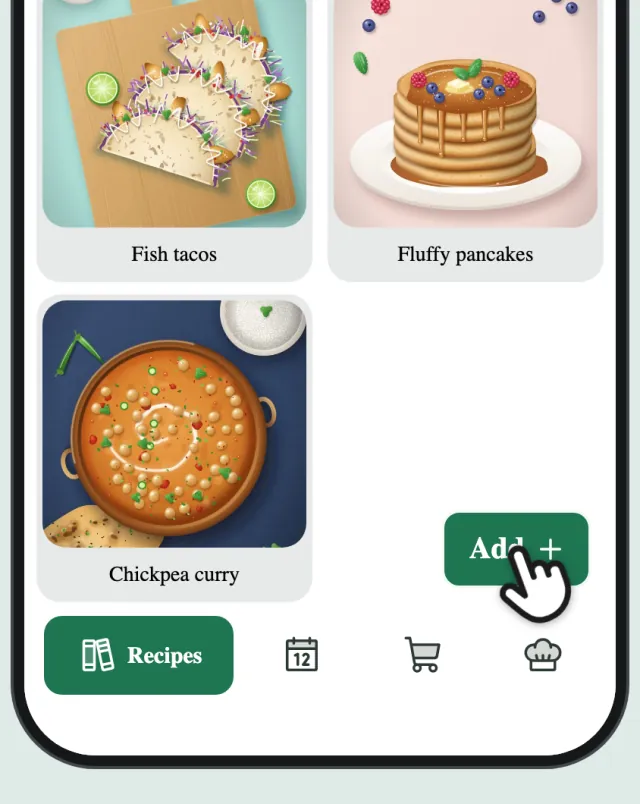
Tap “Add”
On the Recipes tab, tap “Add”. No recipes yet? Tap “Scan a recipe”.
-
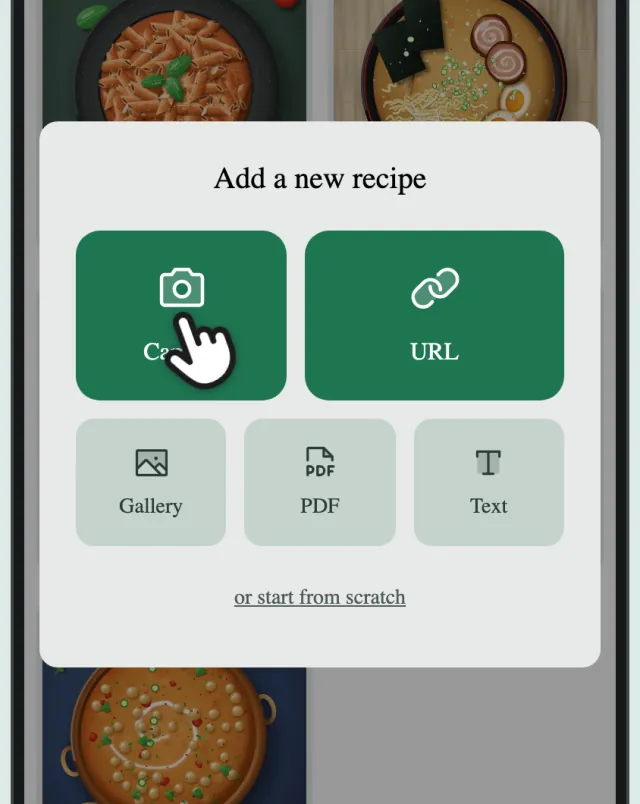
Tap “Camera”
Tap “Camera” to open the scanner.
-
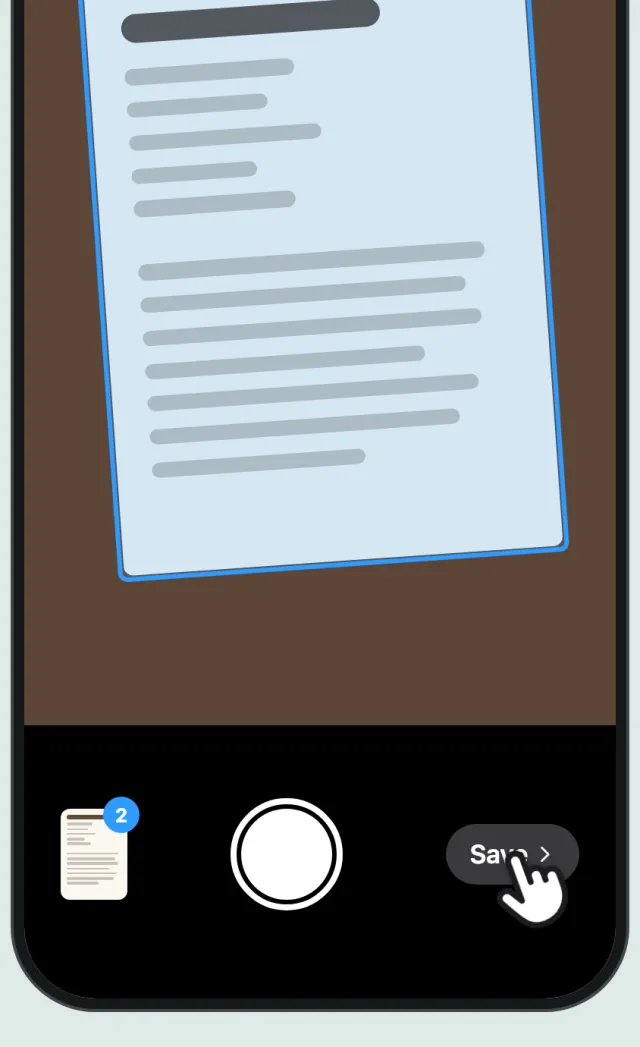
Scan the pages
Hold your phone over each page; it’s captured automatically. Got a photo of the dish? Scan it too. Then tap “Save” (on Android, “Done”).
-
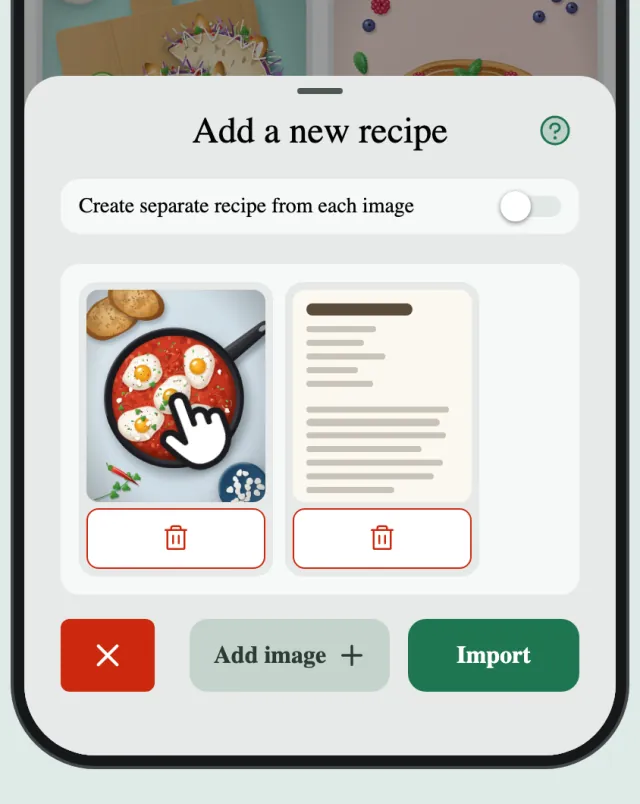
Pick the cover
Touch and hold the dish photo to make it the cover. The cover isn’t scanned for ingredients or steps.
-
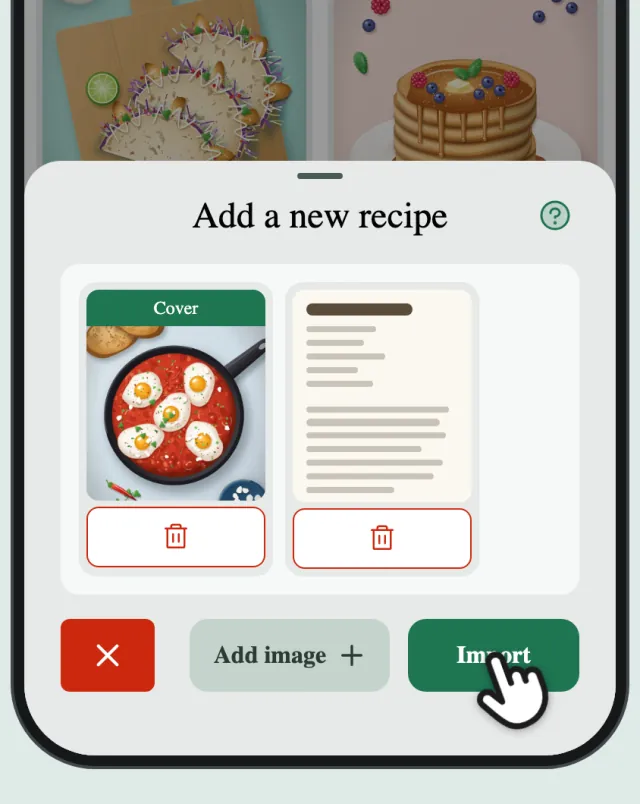
Tap “Import”
Tap “Import”. All the pages become one recipe.
-
Done
CookZone reads the pages and turns them into a recipe with ingredients and steps.
Photos and PDFs work too
Already have a photo or a PDF of the recipe? In step 2, tap “Gallery” or “PDF” instead of “Camera”.