
How to use the shopping list
Your shopping list sorts everything by aisle, whether it comes from a recipe or you type it in yourself.
Updated
Step by step
-
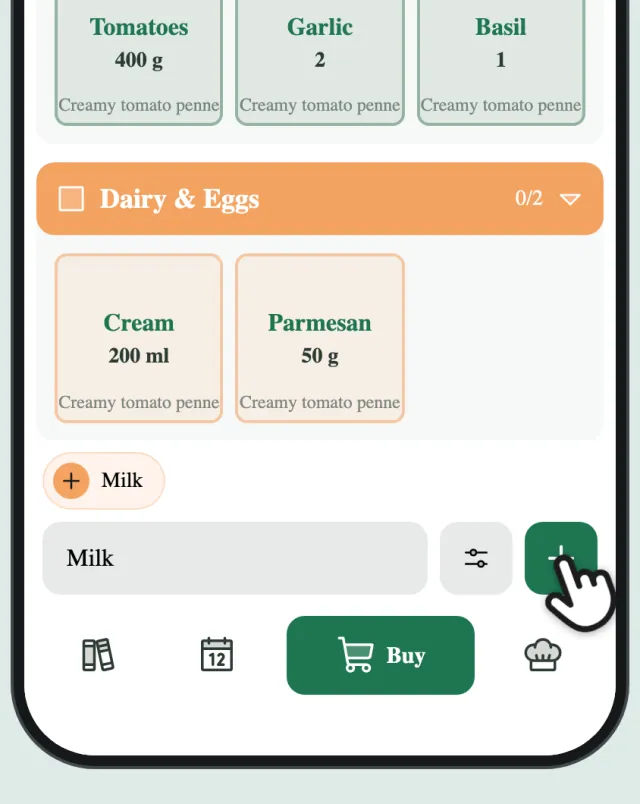
Add an item
Type an item at the bottom and tap +.
-
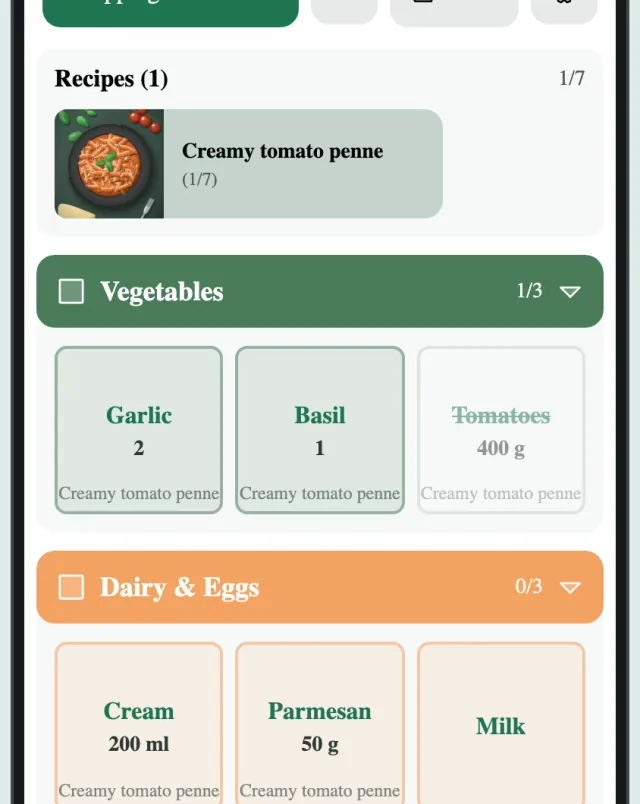
Tick items off
Tap an item to tick it off. It moves to the end of its aisle.
-
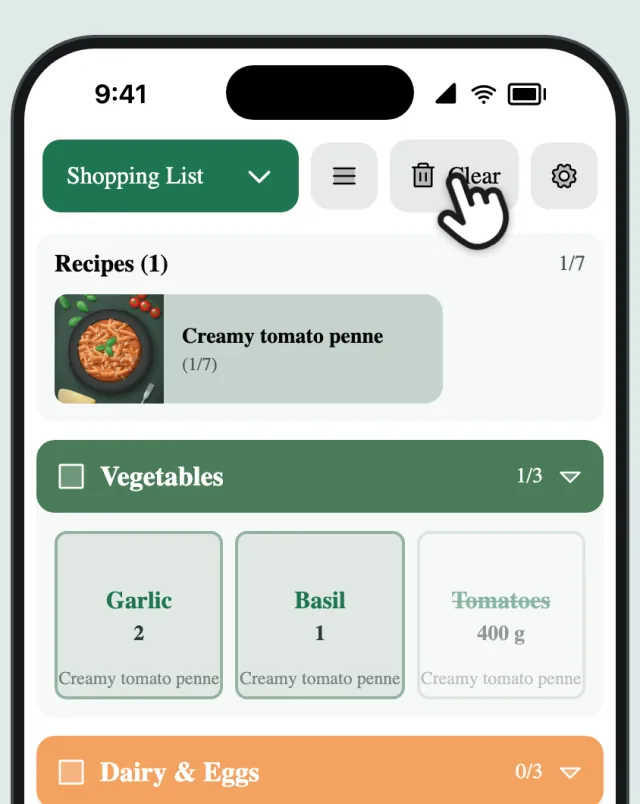
Clear what you bought
Done shopping? Tap “Clear” to remove everything you ticked off.
-
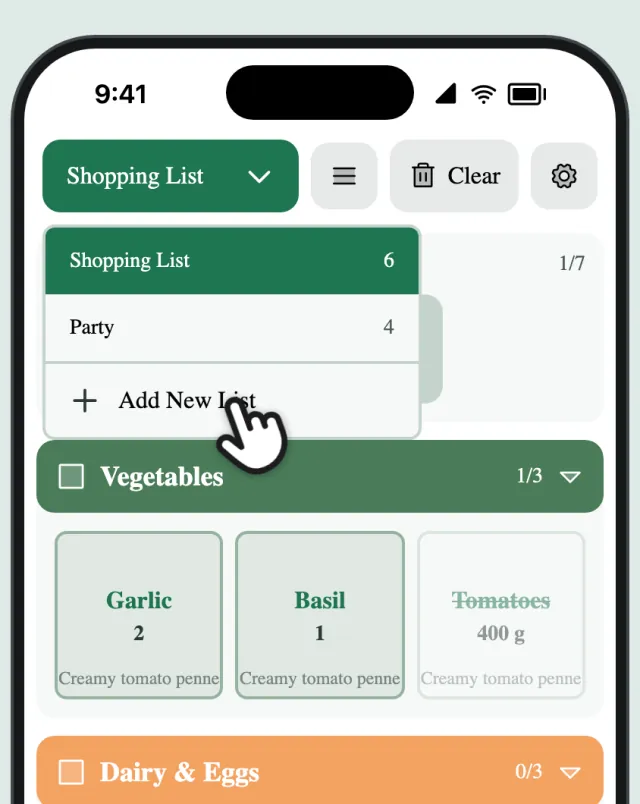
Switch lists
Tap the list name to switch lists or start a new one.