
How to add a recipe to your shopping list
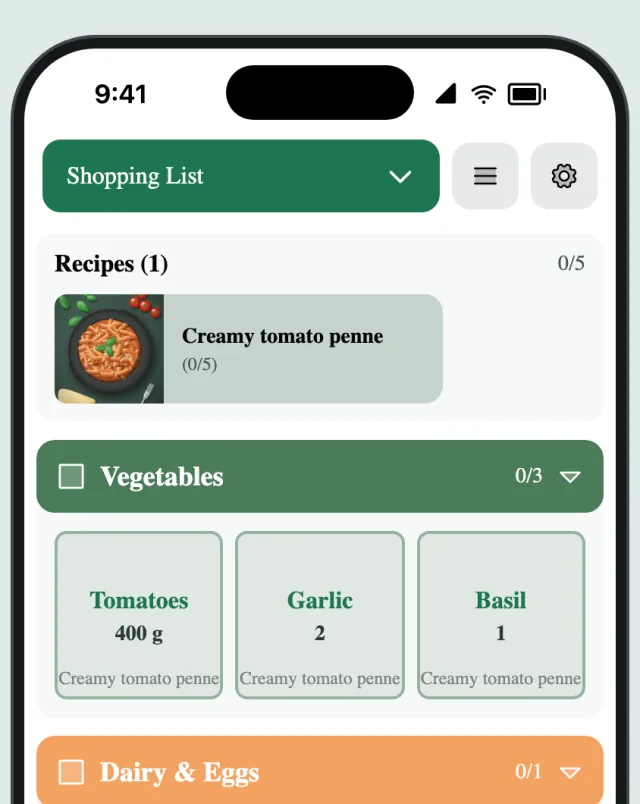
Cooking something this week? Add the recipe to your shopping list, leave out what’s already in the cupboard, and the rest lands on your list sorted by aisle.
Updated
Step by step
-
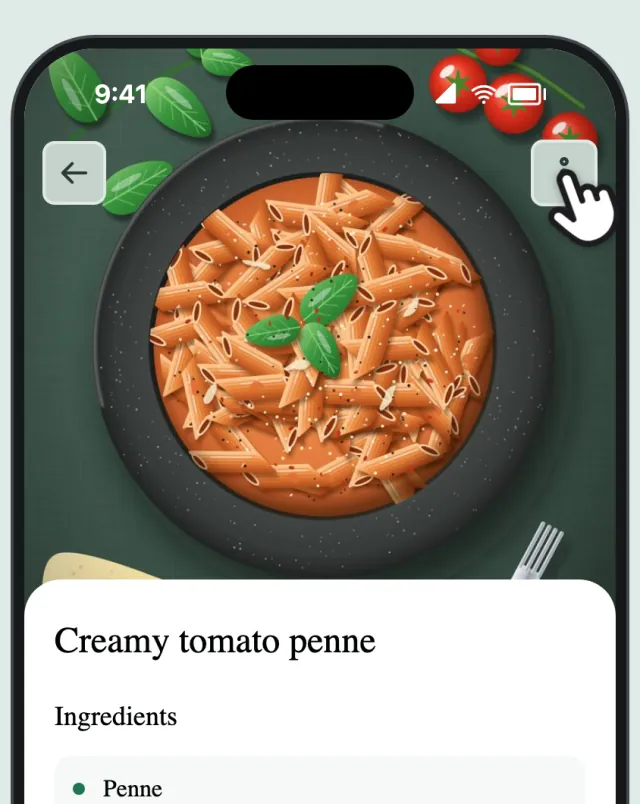
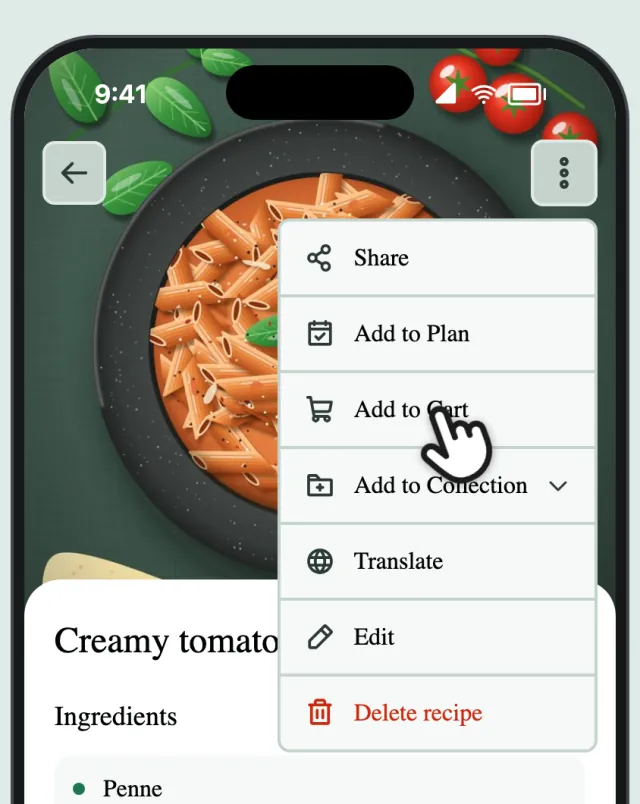
Open the recipe menu
Open a recipe and tap ⋮ at the top.
-
Tap “Add to Cart”
Tap “Add to Cart”.
-
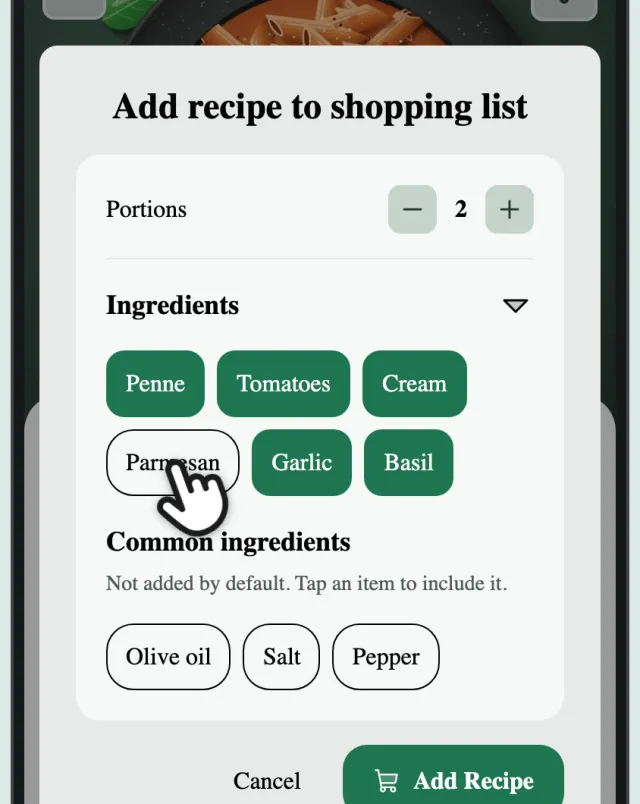
Leave out what you have
Set the portions, then tap anything you already have to leave it out. Pantry basics like salt start off.
-
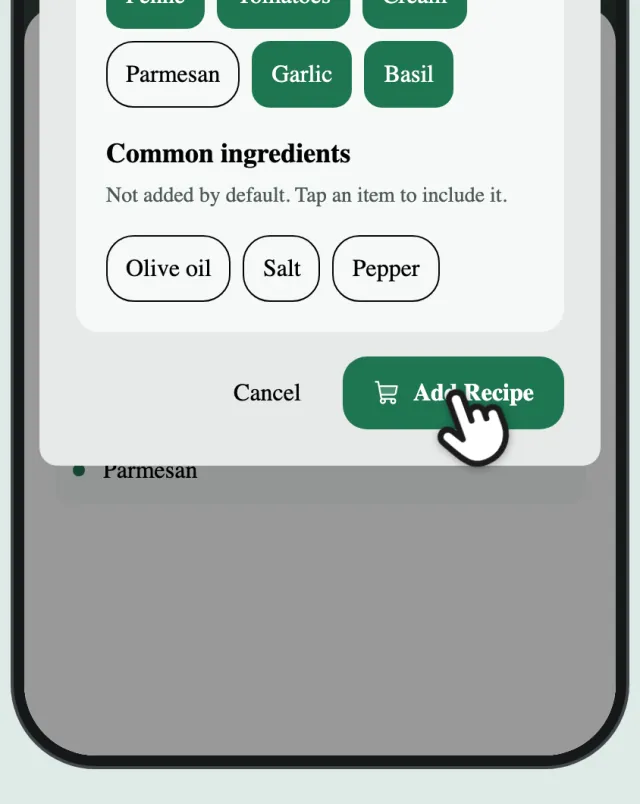
Tap “Add Recipe”
Tap “Add Recipe”.
-
Done
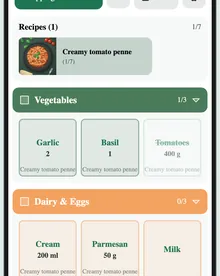
The ingredients are on your list, sorted by aisle.