
How to share a shopping list
Share a list, and everyone works from the same one: add items at home, tick them off in the shop.
Updated
Step by step
-
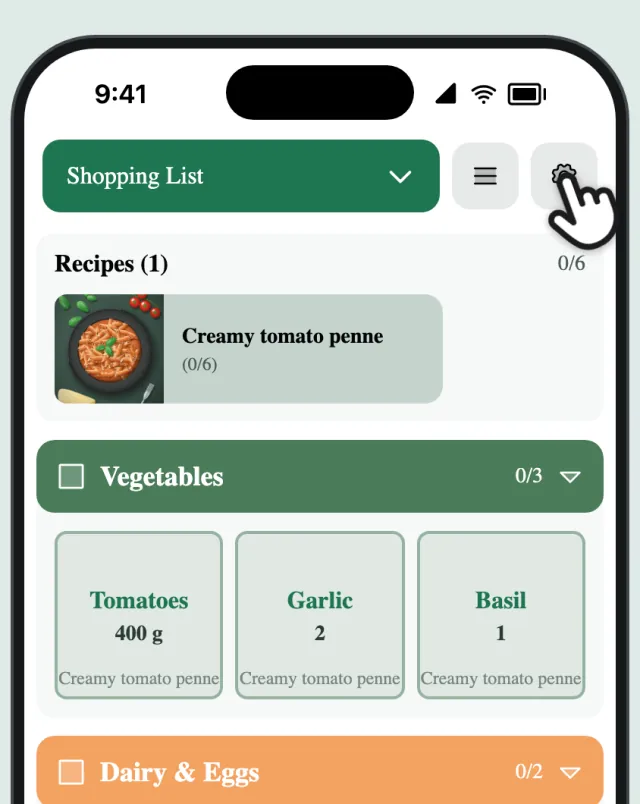
Open the list settings
Tap the gear next to your list.
-
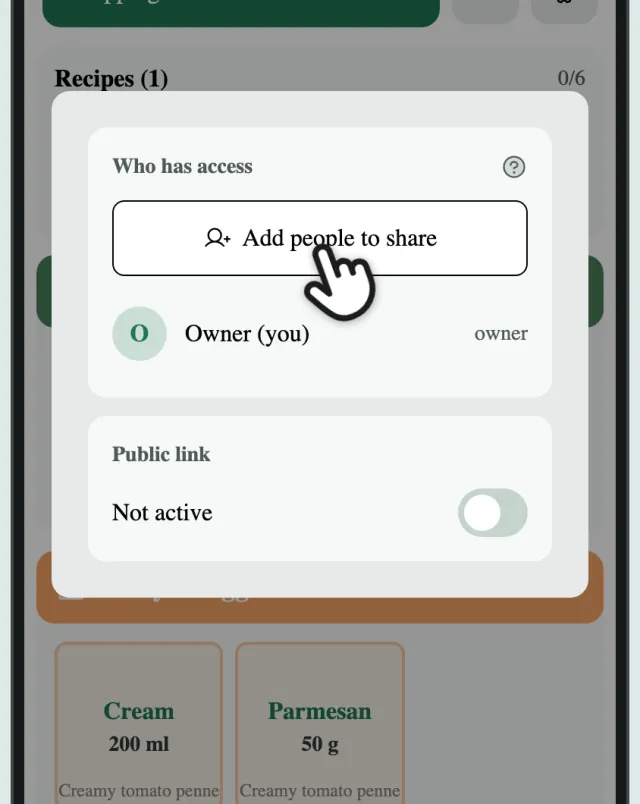
Invite people
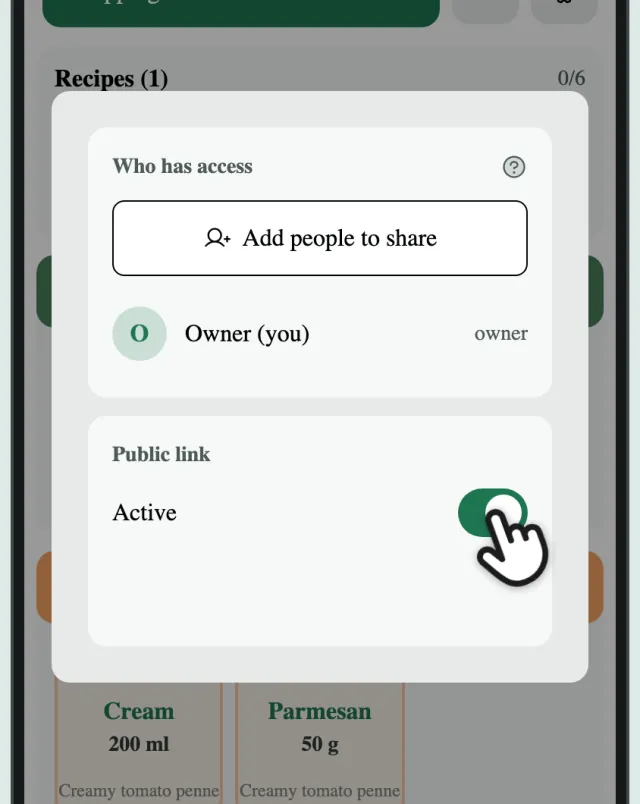
Tap “Add people to share” and send the invite.
-
Or turn on the public link
Anyone with the public link can tick items off, no account needed.